

🔥 FIFA 16 Mod FC 27™ – New Transfers, Save Mode & HD Graphics
FIFA 16 Mod FC 27™ is a community-made Android football game modification based on FIFA 16. This version focuses on bringing a more modern football experience with new transfers, save mode, HD graphics and updated visual content.
If you are looking for a FIFA 16 Android mod with updated squads and a modern football-game presentation, this project is worth checking out. In this post, you can watch gameplay, view screenshots, learn about the main features and access the available download files.
⚽ What is FIFA 16 Mod FC 27?
FIFA 16 Mod FC 27 is a modified version of FIFA 16 for Android designed to update the game's football content and visual presentation.
The main focus of this version is the combination of new player transfers, save functionality and HD graphics. These changes are designed to give players a more current football experience while keeping FIFA 16 as the foundation of the game.
The mod is intended for players who enjoy offline football games and community-made FIFA 16 modifications on Android.
🔥 Main Features
- ⚽ FIFA 16 Android base
- 🔄 New player transfers
- 💾 Save Mode / Save Support
- 🖥️ HD graphics
- 👕 Updated kits available
- 👤 Updated player faces available
- 🎮 Updated football-game content
- 📱 Android support
- ⚡ Modern FC 27-inspired presentation
🔄 New Transfers
One of the main reasons to try this version is the new transfer update. Player squads are updated to provide a more modern football experience compared with the original FIFA 16 database.
This makes the mod especially interesting for players who want to use more recent football squads while continuing to enjoy FIFA 16's gameplay.
Transfer availability can depend on the specific database included with the modification, so the screenshots and gameplay video above are the best references for the current version.
💾 Save Mode
Another important feature of this release is Save Mode. The modification is designed to allow players to preserve their progress instead of having to restart their experience every time they close the game.
For players who enjoy Career Mode and longer football-game sessions, save functionality is particularly useful because it makes it possible to continue playing from previously saved progress.
🖥️ HD Graphics
The visual side of FIFA 16 has also been updated. The mod includes HD graphical resources designed to provide a cleaner and more modern presentation.
The final visual quality and performance can vary depending on your Android device, available RAM, graphics hardware and the resources installed.
👕 Optional Faces & Kits
Players who want additional visual customization can download the optional Faces & Kits package.
This package is designed to complement the mod with additional player faces and team kits. Because the file is optional, you can decide whether to install it depending on your available storage space and device performance.
🎙️ Optional FC 26 Commentary
An additional EA Sports FC 26 commentary package is also available as an optional download.
If you want to experiment with a more modern commentary experience, you can download the commentary archive separately and follow the installation instructions provided with the package.
🎥 FIFA 16 Mod FC 27 Gameplay
Watch the gameplay video below to see the new transfers, visual presentation and overall FIFA 16 Mod FC 27 experience before downloading the files.
If autoplay is blocked by your browser, press the play button to start the video.
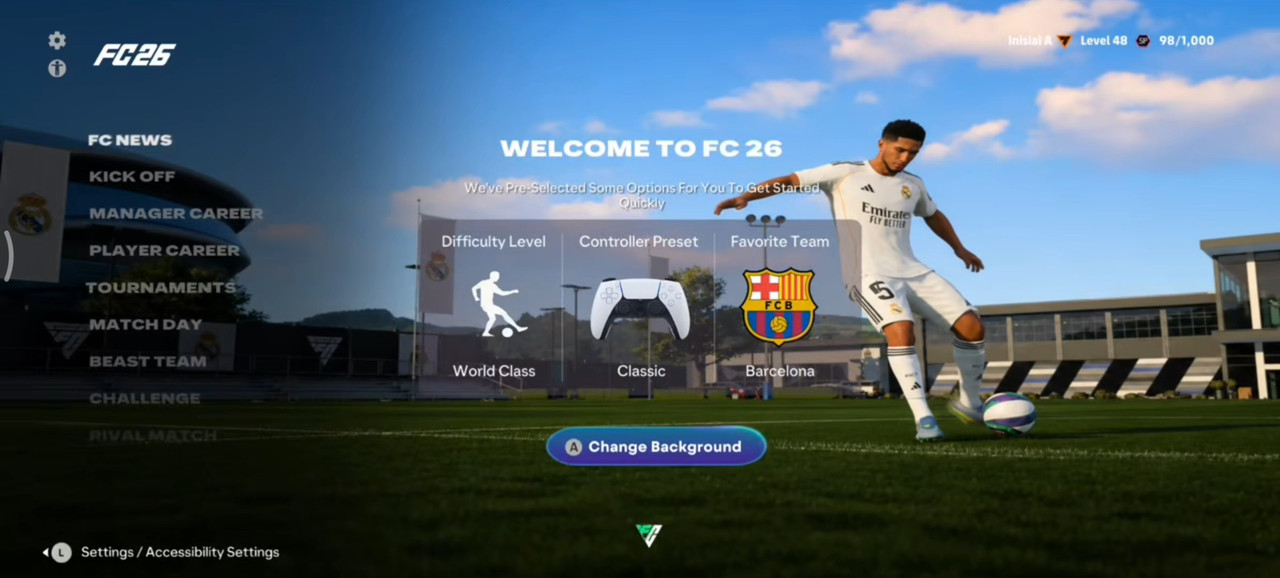
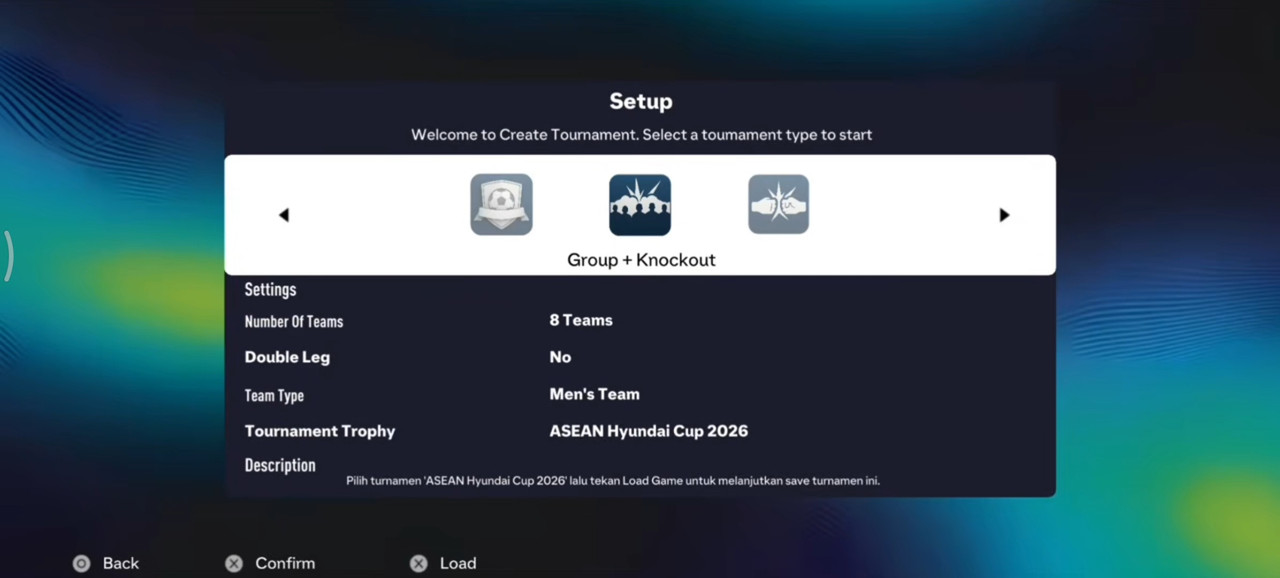
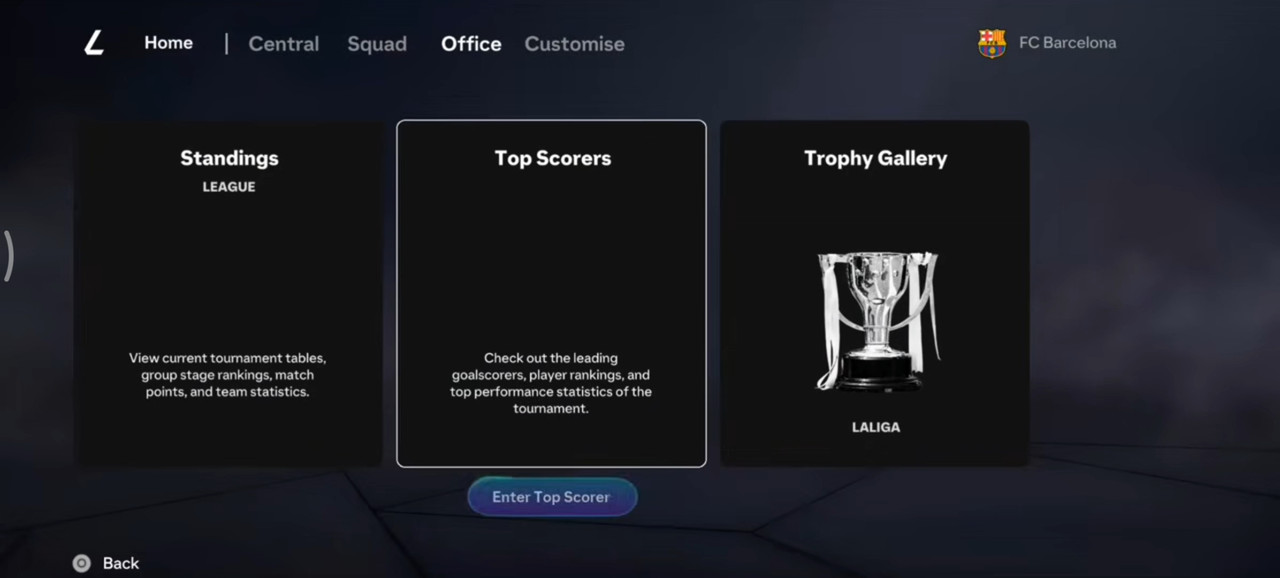
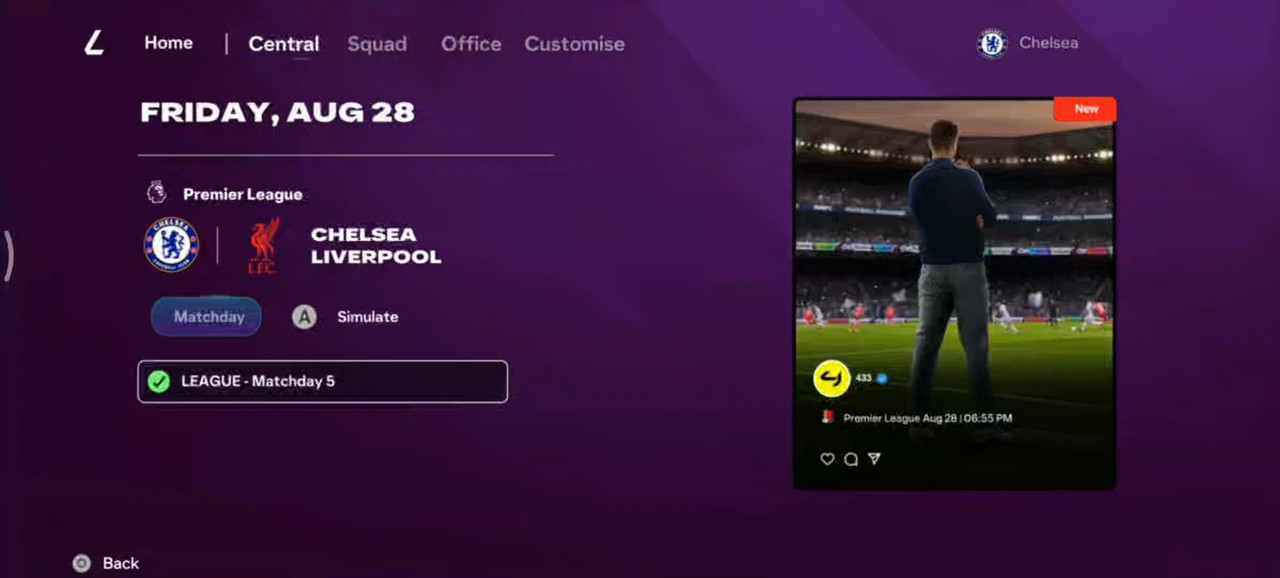
📸 FIFA 16 Mod FC 27 Screenshots
The screenshots below show different parts of the current FIFA 16 Mod FC 27 version.

📋 FIFA 16 Mod FC 27 Information
| Base Game | FIFA 16 Android |
|---|---|
| Mod | FIFA 16 Mod FC 27™ |
| Platform | Android |
| Main Update | New Transfers |
| Save | Save Mode / Save Support |
| Graphics | HD Graphics |
| Faces & Kits | Optional |
| Commentary | Optional FC 26 Commentary |
📥 Download FIFA 16 Mod FC 27
1️⃣ APK
Download the APK file required to install the modified application.
2️⃣ OBB
The OBB archive contains the main game resources required by the installation.
3️⃣ DATA
Download the DATA package containing additional game resources.
👕 Optional Faces & Kits
Download the optional Faces & Kits package if you want additional player and team visual resources.
🎙️ Optional FC 26 Commentary
For players who want to try the additional commentary package, the file is available below.
🛠️ Basic Installation Guide
The installation requires the APK, OBB and DATA files. Because Android storage permissions can vary between Android versions, the exact folder-access process may be different on different devices.
- Download the required files. Download the APK, OBB and DATA archives completely.
- Back up your existing FIFA 16 files. Keep a copy of your original files before replacing anything.
- Extract the OBB archive. Extract the downloaded OBB package and place the required OBB file in the appropriate FIFA 16 OBB folder.
- Extract the DATA archive. Place the DATA files according to the folder structure supplied by the mod.
- Install the APK. Install the provided application package after preparing the game files.
- Optional files. Install the Faces & Kits and Commentary packages only if they are compatible with this version.
- Launch the game. Open FIFA 16 Mod FC 27 and check the menus, squads and gameplay.
- Test Save Mode. Create a test save, close the game and reopen it to verify that your progress is retained.
📱 Device & Storage Considerations
FIFA 16 modifications containing HD graphics, updated faces and kits can require considerable storage space. Optional graphical resources can also increase the total installation size.
Before downloading large archives, check your available storage. Remember that extracting ZIP or RAR files can temporarily require more storage than the final installed files.
Performance can also vary depending on your Android device, RAM, chipset and graphics hardware.
🔎 More Information
For additional information about this FIFA 16 modification, visit the related project page:
👉 FIFA 16 Mod – More Information
❓ Frequently Asked Questions
What is FIFA 16 Mod FC 27?
It is a community-made modification of FIFA 16 for Android featuring updated football content, new transfers, save functionality and HD graphics.
Does this FIFA 16 mod support saving?
The project is designed with Save Mode support. A test save is recommended after installation to verify that saving works correctly on your device.
Does the mod have new transfers?
Yes. New transfers are one of the main features highlighted in this version.
Are Faces and Kits included?
Additional Faces & Kits are available as an optional download. You can install them if you want the extra visual content.
Can I install the FC 26 commentary?
An optional FC 26 commentary package is provided separately. Compatibility should be checked before installation.
Is this an official FC 27 game?
No. It is a community-made modification based on FIFA 16 and inspired by newer EA Sports FC releases. It is not an official EA Sports product.
🏁 Final Thoughts
FIFA 16 Mod FC 27™ is aimed at Android football fans who want to modernize their FIFA 16 experience with new transfers, Save Mode and HD graphics.
The combination of updated football content and save functionality makes this version particularly interesting for players who enjoy longer gameplay sessions and want to maintain their progress.
If you are planning to install the mod, watch the gameplay video first, check the screenshots, verify that you have enough storage and keep a backup of your original FIFA 16 files.
For more FIFA 16 Android mods, football updates, gameplay tests and community-made patches, continue exploring the latest posts on this website.
🔍 SEO Keywords
FIFA 16 Mod FC 27, FIFA 16 FC 27 Android, FIFA 16 mod new transfers, FIFA 16 mod save mode, FIFA 16 Career Mode save, FIFA 16 HD graphics mod, FIFA 16 Android mod, FIFA 16 offline mod, FIFA 16 updated transfers, FIFA 16 FC 27 mod download, FIFA 16 updated kits, FIFA 16 updated faces, FIFA 16 FC 26 mod, FIFA 16 Android football game, FIFA 16 mod with save
